
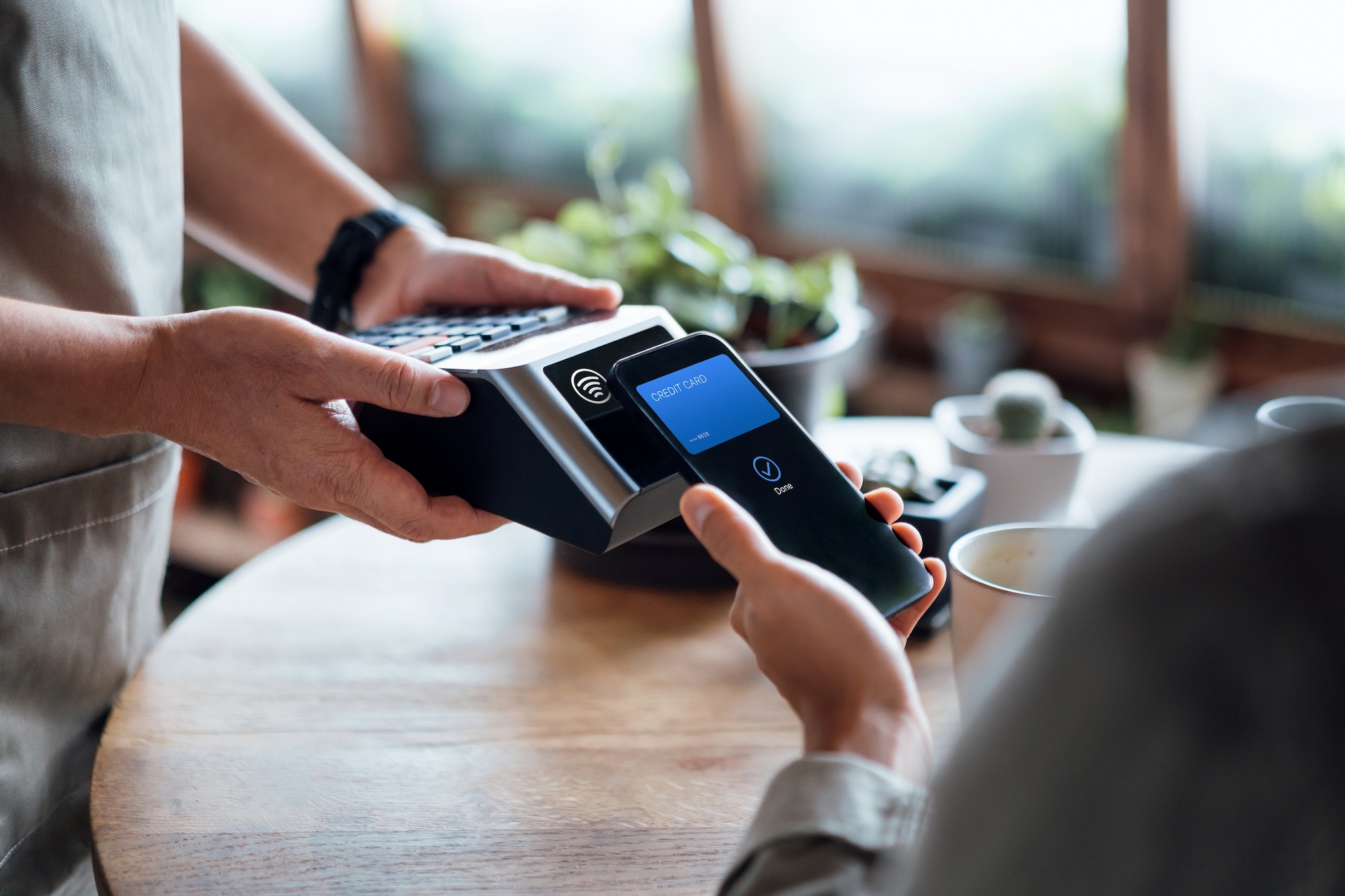
Contactless payments have quickly moved from “nice to have” to an everyday expectation. Whether someone is tapping a phone to buy coffee, paying with a smartwatch at the grocery store, or waving a card over a terminal at checkout, Tap to Pay has reshaped how transactions happen.
For consumers, it’s about speed and convenience. For businesses, it’s about meeting modern payment preferences while keeping transactions secure and efficient. In this guide, we’ll break down what Tap to Pay is, how it works, why it’s secure, and what both customers and merchants should know about using and accepting contactless payments.
Introduction to Contactless Payments & Tap to Pay
Contactless payments are a fast, secure way to complete transactions without inserting a card or handling cash. As a modern contactless payment method, Tap to Pay supports both physical cards and mobile payments, allowing customers to tap a phone, watch, or card for a quick, seamless checkout experience.
You’ll often recognize contactless acceptance by the familiar wave-style contactless symbol found on payment terminals and cards. That symbol indicates that the terminal is equipped to accept contactless transactions.
Behind the scenes, contactless payments rely on near field communication (NFC) technology. NFC allows two devices, to securely exchange payment information when they’re held just a few centimeters apart.
Because of this short communication range and the built-in security protections, contactless payments are both convenient and highly secure. They’ve become especially popular for everyday transactions like buying coffee, grabbing groceries, or paying for quick services where speed matters.
How Tap to Pay Works as a Contactless Payment Method
Tap to Pay is powered by NFC technology, enabling secure communication between a customer’s card or mobile device and a payment terminal, including transactions accepted directly on a supported iPhone.
Whether a customer is using a physical card or mobile pay through a digital wallet, Tap to Pay relies on NFC technology to securely transmit payment data without sharing sensitive card details. When a customer taps their card or device, the system doesn’t transmit the actual card number. Instead, a unique, one-time code, often called a token, is generated for that specific transaction. This code is then verified by the payment network and issuing bank to complete the payment.
Because each transaction uses a different code, even if someone were able to intercept the data, it would be useless for future purchases. This is one of the primary reasons that Tap to Pay dramatically reduces the risk of counterfeit and card-present fraud.
Another key benefit is that the card or device never leaves the customer’s hand. There’s no inserting, swiping, or passing payment information back and forth, making the process faster, cleaner, and more controlled for both parties.
Benefits of Tap to Pay
As a contactless payment method, Tap to Pay has transformed how customers complete everyday transactions. By supporting both physical cards and mobile pay options, it delivers a faster, more secure checkout experience that benefits consumers and businesses alike.
- Speed and Convenience. Contactless payments are often faster than chip or cash transactions, especially for smaller purchases. Customers tap and go, reducing lines and wait times.
- Security. Because Tap to Pay uses tokenization and one-time transaction codes, sensitive card details are never exposed. This reduces the risk of fraud and protects customer data.
- Broad Acceptance. Contactless payments are now supported by most major card networks and widely accepted across retail, food service, transportation, and service businesses.
- Reduced Risk of Lost or Stolen Cards. When payments are made through mobile wallets, devices often require biometric authentication like Face ID, fingerprint scanning, or a passcode. Even if a device is lost, unauthorized use is far more difficult.
- Flexibility. Tap to Pay works across a wide range of devices, including smartphones, smartwatches, and contactless cards, making it accessible for nearly every customer.
Setting Up Tap to Pay
Getting started with Tap to Pay is relatively simple for most consumers. The first step is ensuring that the card issuer supports contactless payments. Many modern debit and credit cards already come with NFC capability built in.
For mobile devices, users need to enable contactless payments through a digital wallet app and add their card. Banks typically guide customers through the verification process to ensure security during setup.
Once configured, Tap to Pay can be used for everyday purchases at compatible terminals. However, users should be aware of possible transaction limits, especially contactless cards. Some purchases above a certain amount may require additional verification, such as a PIN or biometric confirmation.
Different devices may also have slightly different setup steps, so it’s important to follow the instructions specific to the phone, watch, or tablet being used.
Using Tap to Pay with Apple Pay
Apple Pay is one of the most widely used digital wallets for contactless payments. It allows customers to store credit and debit cards securely on an iPhone, Apple Watch, or other compatible Apple devices.
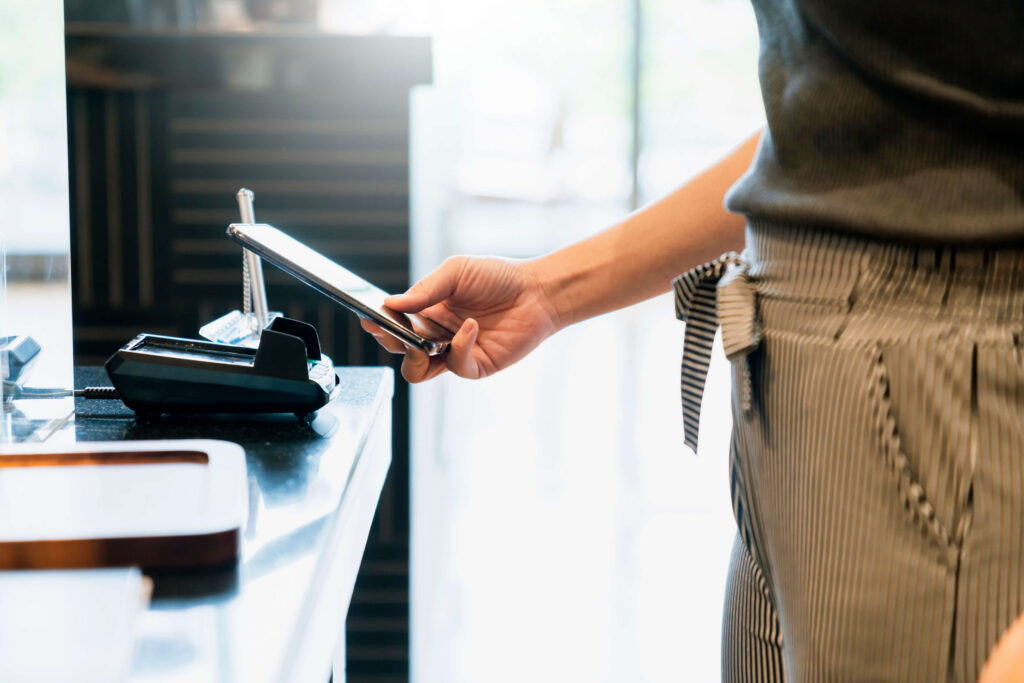
To use Tap to Pay with Apple Pay, customers add their card to the Wallet app and complete the bank’s verification process. Once set up, making a payment is simple: double-click the device’s side button, authenticate with Face ID, Touch ID, or a passcode, and tap the device on the terminal.
Apple Pay uses NFC technology and advanced security features, including tokenization and biometric authentication. The actual card number is never shared with merchants, adding another layer of protection.
Beyond in-store transactions, Apple Pay can also be used for online and in-app purchases, as well as peer-to-peer payments, making it a versatile payment solution.
Contactless Cards and Payments
Not all contactless payments require a smartphone or wearable. Contactless cards contain an embedded NFC chip that allows customers to tap their card on a compatible terminal, including mobile devices like supported iPhones.
From the customer’s perspective, the experience is similar to using a mobile wallet as you tap, wait for approval, and go. Contactless cards are especially helpful for people who prefer physical cards but still want the speed and convenience of Tap to Pay.
These cards use the same secure technology as digital wallets, including one-time transaction codes. They’re widely accepted and work well for everyday purchases.
However, users should be mindful of transaction limits and any card-specific fees that may apply, depending on their bank or card agreement.
Accepting Payments with Tap to Pay
For businesses, accepting Tap to Pay starts with having the right technology in place. Merchants need a payment terminal or mobile app that supports NFC and contactless transactions.
Many modern countertop terminals come contactless-ready, while mobile businesses can use smartphones or tablets paired with compatible software to accept Tap to Pay on the go.
From an operational standpoint, Tap to Pay speeds up checkout, reduces cash handling, and minimizes wear and tear on hardware. It also aligns with customer expectations, as more consumers actively look for contactless options.
Merchants should also review any processing fees or transaction policies associated with contactless payments, though in most cases, fees are comparable to standard card-present transactions.
Troubleshooting Tap to Pay
Occasionally, customers or merchants may experience issues with Tap to Pay not working as expected.
For customers, simple steps like restarting a device, checking NFC settings, or confirming the card is properly added to a wallet can resolve most issues. If problems persist, contacting the bank or card issuer is usually the next step.
Merchants can troubleshoot by confirming that contactless functionality is enabled on their terminal and that software and firmware are up to date. Payment processors can also provide guidance if errors occur at checkout.
Compatibility is another factor to consider. Not all devices or terminals support the same standards, so verifying compatibility before use can prevent frustration.
Both customers and merchants should remain mindful of basic security practices, such as monitoring transactions and reporting suspicious activity promptly.
Future of Tap to Pay
Tap to Pay continues to evolve as technology advances and consumer behavior shifts. Adoption is steadily increasing, and contactless payments are becoming a standard expectation rather than a novelty.
Future developments are likely to include enhanced security features, such as deeper biometric integration and smarter fraud detection. Personalization may also play a larger role, with loyalty programs, receipts, and offers seamlessly integrated into the payment experience.
As more businesses adopt contactless technology and more consumers rely on digital wallets, Tap to Pay will likely expand further into online, mobile, and hybrid payment environments.
What’s clear is that Tap to Pay isn’t just a trend, but a foundational shift in how transactions happen, offering speed, security, and convenience for the modern economy.
Wrapping Up
Tap to Pay has become a core part of how transactions happen, offering a fast, secure, and convenient contactless payment method for both consumers and businesses. From contactless cards to mobile pay and digital wallets, this technology continues to simplify checkout while reducing friction at the point of sale.
As customer expectations evolve and mobile payments become more common, understanding how Tap to Pay works, and how to use it effectively, can help businesses and consumers make more confident, informed decisions about how they pay and get paid.
Ready to explore how Tap to Pay and contactless payments fit into your business?

by Xplor Pay
-
First published: January 30 2026
Written by: Xplor Pay